




File Format: Web-Ready (Flash Format) Video Sets
Number of Videos: 47
Sales page: Included, HTML
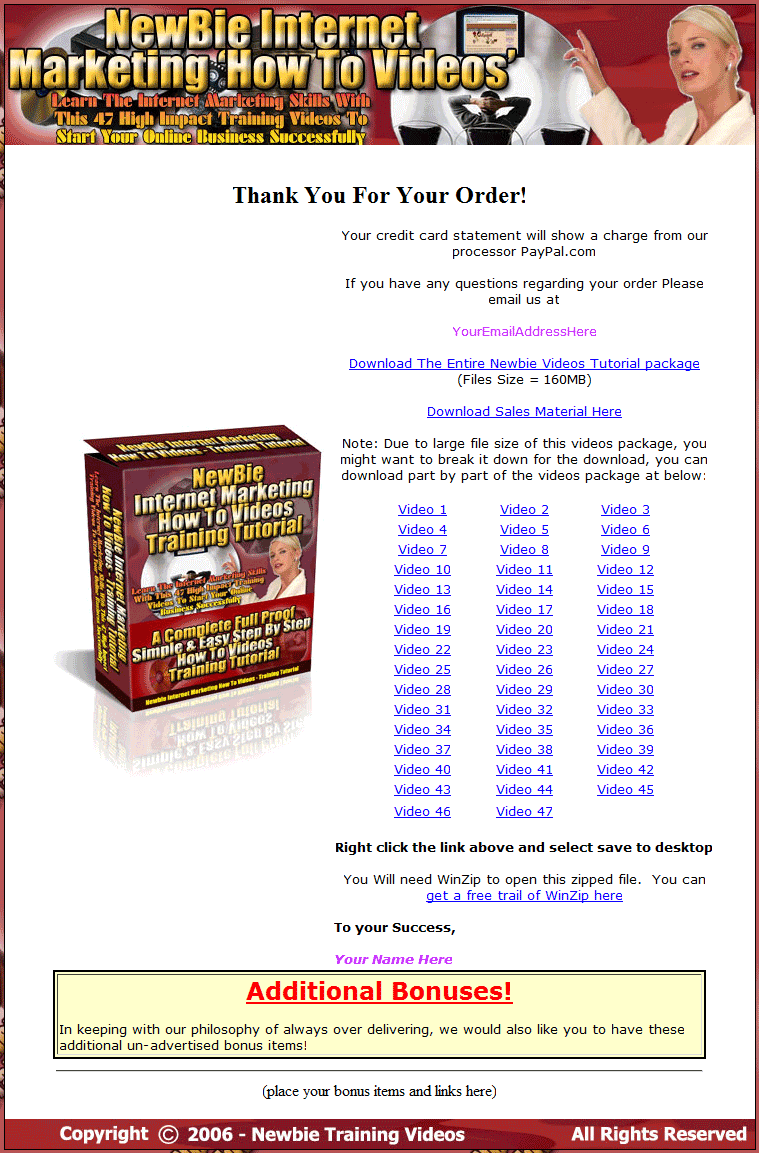
Download/Thank You Page: Included, HTML
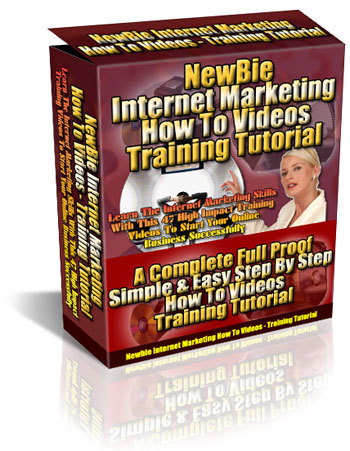
Included Graphics: Covers, Web page Images
Cover Graphics: JPG
Extra Pages: Complete Reseller Package
File Size: 159 meg
Year Released/Circulated: 2008
Suggested Selling Price: $67.00
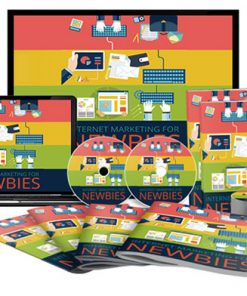
Big video collection with master resale rights. This set covers everything people new to internet marketing need to know. A total of 47 quality video’s cover it all, to get them off the ground running.
Videos Cover:
- Video #1 – How To Choose A Good Domain Name – 5:08
In this video, you will learn how and where to choose and register a good domain name. - Video #2 – How To Register Your Domain Name – 5:19
In this video, you will learn how to register your new domain name. (Video Duration: 5.19 Minutes) - Video #3 – How To Set Up Your DNS – 2:16
In this video, you will learn how to set up your DNS (Domain Name Service). (Video Duration: 2.16 Minutes) - Video #4 – How To Choose A Web Hosting Provider – 11:13
In this video, you will learn how and where to find and choose a web hosting provider. - Video #5 – How To Set A Pop Mail Account – 1:18
In this video, you will learn how to set up a pop mail account that comes with your web hosting account. - Video #6 – How To Configure Your Pop Mail Account In Outlook Express – 2:12
In this video, you will learn how to set up your pop mail account in your computer outlook express. - Video #7 – How To Set Your Signature In Outlook Express – 1:24
In this video, you will learn how to set up your signature in outlook express. - Video #8 – How To Open, Download and Zipping Zip & PDF Files With WinZip Tool – 3:23
In this video, you will learn how to open, download and zipping any ZIP & PDF files with WinZip tool. - Video #9 – How To Use FTP To Upload Files From Your Computer To Your Web Hosting Server – 4:10
In this video, you will learn how to use FTP program to upload files from your computer to your web hosting service providers - Video #10 – How To Set Up A ClickBank Account – 13:58
In this video, you will learn how to set up a new ClickBank account. - Video #11 – Set Up Your Sales Page And Thank You Page For Your Product With Resale Rights Using ClickBank 3:01
In this video, you will learn how to set up your new sales page and thank you page for products with resale rights using ClickBank account. - Video #12 – How To Set Up Your Thank You Page And Order Link Using ClickBank Account – 2:13
In this video, you will learn how to set up your thank you page and order link using ClickBank account. - Video #13 – How To Set Up Your Thank You Page And Order Link Using PayPal Account – 7:00
In this video, you will learn how to set up your thank you page and order link using PayPal account. - Video #14 – How To Format And Submit Your Ezine – 6:43
In this video, you will learn how to format and deliver your Ezine newsletter. - Video #15 – Understanding What Is HTML And How It Works – 4:08
In this video, you will learn what is HTML and how does it works. - Video #16 – How To Create HTML Programming Code – 23:18
In this video, you will learn how to create HTML programming code with centering text, set body color, change background color and etc. - Video #17 – How To Change HTML Code – Make Changes To Text – 10:16
In this video, you will learn how to change text with HTML code programming - Video #18 – How To Add Images Using HTML Code – 4:49
In this video, you will learn how to add images using using HTML programming code. - Video #19 – How To Create Links Using HTML Code – 5:54
In this video, you will learn how to create links and link to images with HTML code. - Video #20 – How To Create Tables, Rows & Columns Using HTML Code – 6:23
In this video, you will learn how to create tables, rows and columns using HTML programming code. - Video #21 – How To Use HTML Templates – 4:40
In this video, you will learn how to HTML templates with a few simple easy steps. - Video #22 – How To Create Good Keywords With Keywords Research – 2:09
In this video, you will learn how to create a sets of good keywords for keywords research and for search engine optimization. - Video #23 – How To Create Title Tag And Meta Tags For Your Web Page – 6:24
In this video, you will learn how to create title tag and meta tags for your website and search engine optimization. - Video #24 – How To Optimize Your Website For Search Engine Friendly – 9:43
In this video, you will learn how to optimize your web page for search engine friendly and optimization with keywords density and contents. - Video #25 – How To Create A Successful Sales Letter – 8:09
In this video, you will learn how to create a successful sales letter that will grab your visitor eye-ball. - Video #26 – How To Test Your Sales Letter – 4:18
In this video, you will learn how and where to test your sales letter. - Video #27 – How To Submit Your Website To Search Engine – 5:24
In this video, you will learn how to submit your website to search engine. - Video #28 – How To Install Ad-Tracking And Split-Testing Program – 4:55
In this video, you will learn where and how to download and install Ad-Tracking and Split-Testing program for your website. - Video #29 – How To Use Ad-Tracking And Split-Testing Program – 7:38
In this video, you will learn how to use your ad-tracking and split-testing program you have just installed. - Video #30 – How To Create Classified Ads – 4:51
In this video, you will learn how to create classified ads that will attract your visitors attention. - Video #31 – How To Increase Your Own Link Popularity And Search Engine Rankings By Building Your Own Link Popularity – 14:49
In this video, you will learn how to increase your website rankings on search engines by building your own link popularity. - Video #32 – How To Create Your First EBook – 12:41
In this video, you will learn how to create your first ebook with useful tips and guides for writing and creating your ebook. - Video #33 – How To Create Your Executable (EXE) EBook – 4:40
In this video, you will learn how to create your executable .EXE ebook with HTML programming code. - Video #34 – How To Create Your PDF Format EBook – 1:46
In this video, you will learn how to create your ebook in PDF format and what use to convert your ebook to PDF. - Video #35 – How To Make Your .EXE Ebook Brandable – 2:59
In this video, you will learn how to make your .EXE ebook brandable for your customer to rebrand with their affiliate link. - Video #36 – How To Make PDF EBook Brandable – 3:54
In this video, you will learn how to make your PDF ebook brandable for your customer to rebrand with their affiliate link. - Video #37 – How To Run Your Affiliate Program With ClickBank – 1:47
In this video, you will learn how to run your own affiliate program with ClickBank. - Video #38 – How To Install A Customer Support Help Desk – 6:58
In this video, you will learn how to install a customer support help desk for your website in order to provide better customer support for your customer. - Video #39 – How To Use Your Customer Support Help Desk – 2:52
In this video, you will learn how to use your customer support help desk. You can get a free customer support help desk software script at the members download area. - Video #40 – How To Password Protect Your Website Content – 2:41
In this video, you will learn how to password protect your website files and folders content. - Video #41 – How To Add Feedback Form To Your Web Page – 3:06
In this video, you will learn how to add feedback form to your web page for your customer to send feedback to you. - Video #42 – How To Install A Free Blog Program – 3:56
In this video, you will learn how and where to get and install your own free blog program. - Video #43 – How To Use Your New Installed Blog – 6:14
In this video, you will learn how to use your newly installed Blog program with its function and usage. - Video #44 – How To Promote Affiliate Programs – 7:34
In this video, you will learn how to promote affiliate programs and where to find them. - Video #45 – How To Create Your Affiliate Links With Short URL – 2:12
In this video, you will learn how to create a shorten URL file for your affiliate links. - Video #46 – How To Install E-Commerce Automation System – 11:14
In this video, you will learn how to install your e-commerce automation program which includes shopping cart, affiliate program and ad-tracking system all in one solution. - Video #47 – How To Start RSS Feeds – 4:54
In this video, you will learn how to start a RSS feeds for your website and where to get RSS feeder.
All videos come in web-ready, Flash format. Simply upload the files and the videos are ready to play. You will also be getting a complete reseller package with all the web page graphics included. Comes with a quality Sales page, Download/Thank you page and a preview page that lists all the videos with screen shots. This package could be making you money!
Would make a great stand-alone product or a perfect addition to a membership site.
Product Rights:
YES Sell Master Resale Rights
YES Edit/Alter the Sales Materials
YES Added to Paid Membership Sites
YES Can be Sold Separately
YES Can be Packaged with Other Products
NO Sell Private Label Rights
NO Claim Full Copyright
NO Added to Free Membership Sites
NO Sell at Auction Sites
NO Offered Through Dime Sale Events
NO Offered as Free Bonus (including Email Opt-in’s)
NO Given Away for Free